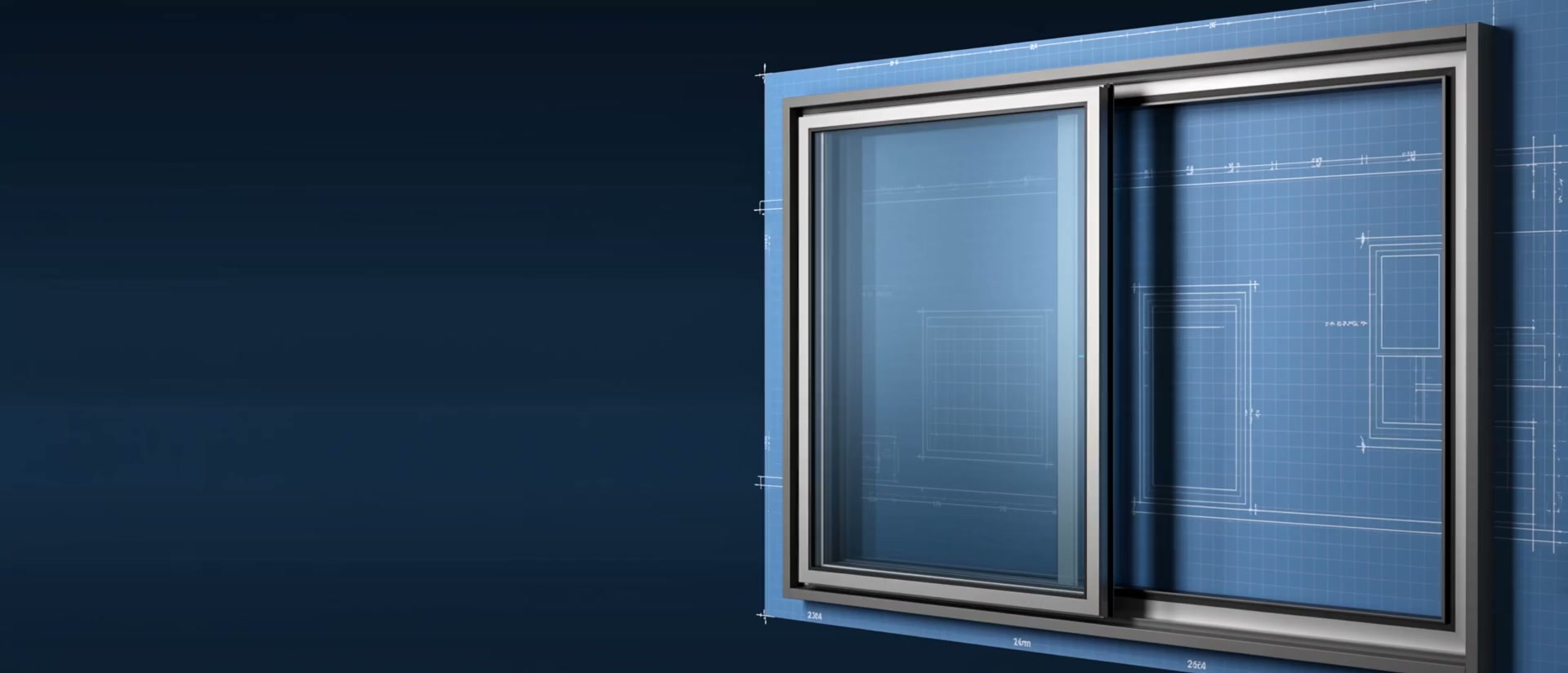
Make revisions feel simple.
Adjust the details as the conversation with your client evolves. Your team picks up the project with the selected options in view.
Your AI takeoff assistant
for windows and doors.
Drawings, specifications and client changes. Prepare your takeoff, update the details and keep the sources close at hand.
Drawings evolve.
Your record keeps the context.
A different colour, a revised dimension, a new technical requirement. Update the relevant details in Apertal and prepare a revised takeoff for your next conversation.
Adjust the details as the conversation with your client evolves. Your team picks up the project with the selected options in view.
Bring drawings, specifications and project descriptions into a simple interface, with document sets of up to 300 pages.
Find the document behind a detail. Unresolved items stay visible as you prepare and revise the takeoff.
Follow F-07, a window with one fixed and one operable light. Its width comes from the schedule; its configuration, from the elevation. Its finish still needs confirmation.
Open the interactive takeoffFictional project. Workflow illustration.
Apertal comes with a mobile app. Review and change technical specifications on the road, with a client or at the jobsite.
Explore the capabilitiesManufacturers, distributors and hardware retailers can equip their teams with suitable licences. Give the people preparing and revising quotes access to the takeoff workflow.
See who it is forApertal can connect to most estimating software. Your team’s target system, required fields and connection method are confirmed as part of the integration.
Discuss your integrationAI assists with reading. Your team confirms the information it keeps.
Apertal prepares the opening takeoff. Product, option and pricing decisions continue in your quoting workflow.
New residential or multifamily drawings with windows, exterior doors and patio doors. The scope is agreed with your team.
Yes. Assisted reading can produce errors or leave information missing. Sources, corrections and qualifications help your team check the record.
Start with the drawings your team receives and the takeoff it needs to prepare quotes.